Plan Your Trip
Select a route
Fare Information
Cash
(Exact Change)
TAP2RIDE
(Credit / Debit Card)
VCBusPass
(Card or Umo app)
Zone Fares
Zone 1 (Ventura)
Full Fare $1.75
Reduced* $0.80
Zone 2 (Regional)
Full Fare $4.00
Reduced* $2.00
VCcollegepass
VCcollegepass
The Ventura County College Pass Program provides students with free travel on all fixed-route bus services within Ventura County to school, work, or fun on safe, clean and reliable buses.
VCcollegepass Benefits
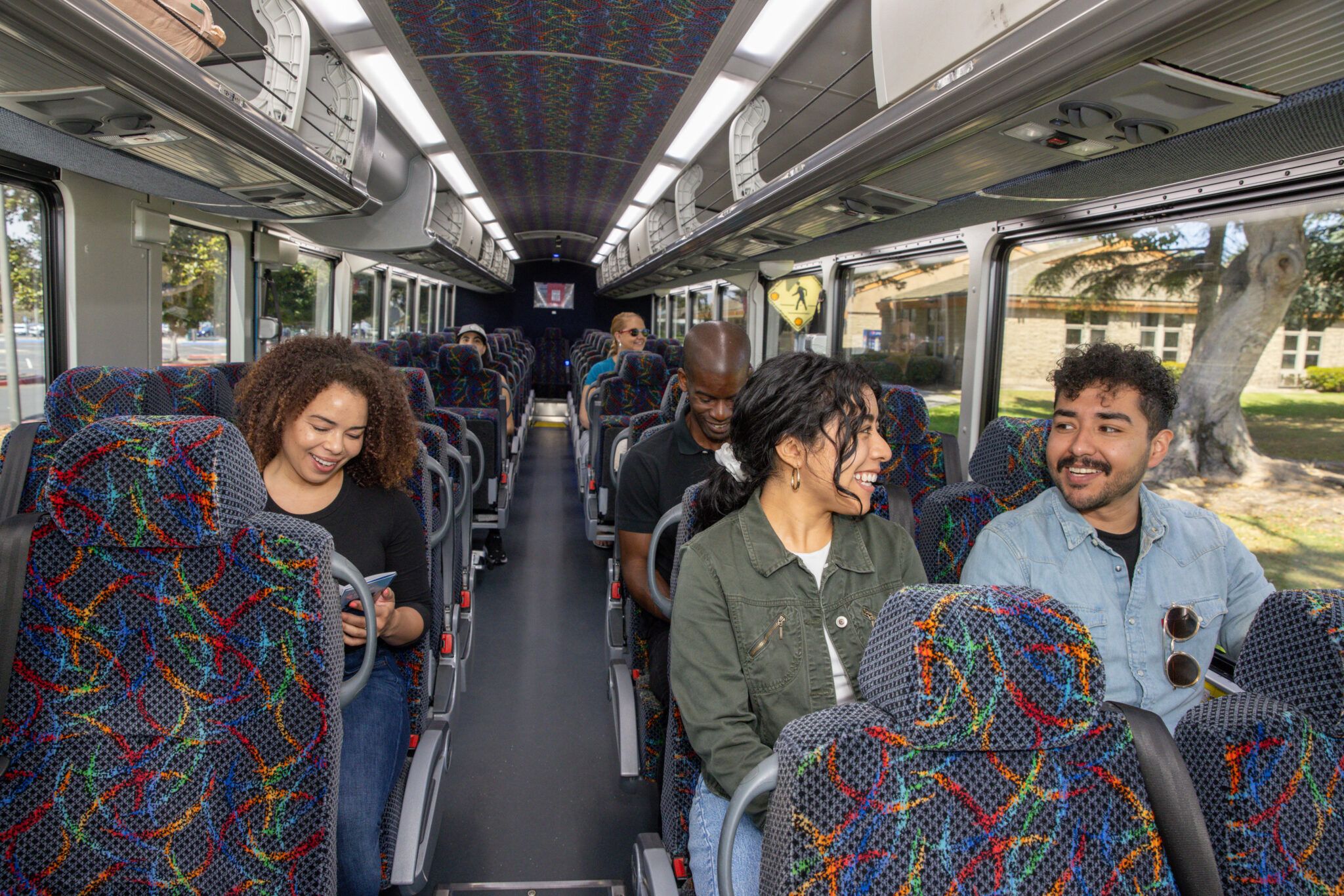
Ride buses and travel to your school and beyond.
- Unlimited rides through Ventura County on all fixed-route bus services
- Explore new destinations and uncover hidden gems across Ventura County.
- Every trip helps reduce traffic, lower emissions, and create a cleaner future.
- Avoid paying parking costs
Get Ready to Ride with VCcollegepass
Students will transition to the VCcollegepass Monday, October 19, 2026.
Participating Schools
- Moorpark College
- Oxnard College
- Ventura College
- CSU Channel Islands*
- Santa Barbara City College
- Ventura County Adult Education Consortium
- Moorpark Adult School
- Oxnard Adult School
- Simi Institute for Careers and Education
- Ojai Adult School
- Santa Paula Adult School
- Fillmore Adult School
- Conejo Valley Adult School
- Ventura Adult and Continuing Education (VACE)
- Ventura County Office of Education (VCOE), including all schools and programs operated by VCOE
- Westmont College
* CSUCI students will continue to use their existing CSUCI student ID cards, which include their transit pass. No additional VCcollegepass card or activation is required for CSUCI students at this time.
California Lutheran University and UC Santa Barbara are no longer participating in the College Ride Program due to financial considerations affecting continued participation. Students at these institutions are encouraged to check with their campus for information on alternative transportation options.
How to Get Your Pass
Below is information and details relating to the VCcollegepass.
- Download the Umo app to get the VCcollegepass
- Get the Umo app from the App Store or Google Play. Make sure to select your county (United States) and your agency VCTC-VCbuspass.
- Create your account
- Create your account using the same email you used to register for your classes, then add your free VCcollegepass.
- Visit the Umo Pass Passenger Portal to create your Umo account.
- Once you have installed the app
- Tap the menu button (top left-hand corner and select “Redeem Benefit” from the menu)
- Enter the 8-digit benefit code provided from your college and click “Continue”
- Verify that VCcollegepass in your Wallet
- Return to the Umo home screen
- Using the app
- Tap the “Wallet” button at the bottom-right corner and then tap the “Show Code” button at the top to display the QR code
- Boarding the bus
- When a bus arrives, have your Umo app open with the QR code ready. Face your phone to the Umo electronic reader, a black box near the entrance of the bus.
Support
If you have trouble setting up or using your VCcollegepass, start with the resources below. If you still need help, contact VCTC Customer Service or your campus support location.
Resource Materials
| Problem | What to do |
|---|---|
| Redeem Benefit isn’t in the app menu | Make sure your agency is VCTC-VCbuspass. Open the menu and choose Change Location to switch. |
| The benefit code isn’t accepted | Check that you typed all 8 digits and used your own college’s code. If it still fails, contact your campus support location. |
| VCcollegepass isn’t in my Wallet | Close and reopen the app, then check Wallet again. If it’s still missing, contact your campus. |
| My physical card stopped working | If you signed in to the Umo app with your card account, the card was turned off for good. Ask your campus about a replacement card. |
Participating School Locations for Information and Physical Tap Cards
Participating colleges are your first stop for information about VCcollegepass. Visit your campus support location to learn more about the program, receive assistance with enrollment, and obtain or activate a physical transit tap card. College staff can also help answer questions about eligibility, card replacement, and accessing your transit benefits.
Moorpark College
Fountain Hall (FA), 1st Floor
7075 Campus Road
Moorpark, CA 93021
(805) 378-1400
mcstudentservices@vcccd.edu
Oxnard College
Oxnard College Welcome Center
4000 S. Rose Avenue
Oxnard, CA 93033
(805) 678-5907
OCInfo@vcccd.edu
Ventura College
The Compass Welcome Center
4667 Telegraph Rd.
Ventura, CA 93003
(805) 289-6420
vcwelcome@vcccd.edu
Ventura College – East Campus
957 Faulkner Road, Suite 106
Santa Paula, CA 93060
(805) 289-6100
vceinfo@vcccd.edu
Santa Barbara City College
Office of Student Life
Campus Center Rooms 217–222
SBCC Cliff Campus
721 Cliff Drive
Santa Barbara, CA 93109
(805) 730-4062
alcollins@sbcc.edu
Westmont College
Keith Center
29 West Anapamu St
Santa Barbara, CA 93101
(805) 565-6300
nursing@westmont.edu
Ventura County Adult Education Consortium
Visit any participating school site for support with activating a mobile or physical tap card.
- Conejo Valley Adult School
1025 Old Farm Road, Thousand Oaks, CA 91360 - Fillmore Adult School
627 Sespe Ave., Room #29, Fillmore, CA 93015 - Moorpark Adult School
280 Poindexter Ave, Moorpark, CA 93021 - Ojai Adult School
703 El Paseo Rd, Ojai, CA 93023 - Oxnard Adult School
1800 Solar Dr, Oxnard, CA 93030 - Santa Paula Adult School
221 S 4th St., Santa Paula, CA 93060 - Simi Institute for Careers & Education
1880 Blackstock Avenue, Simi Valley, CA 93065 - Ventura Adult & Career Education
5200 Valentine Rd, Ventura, CA 93003